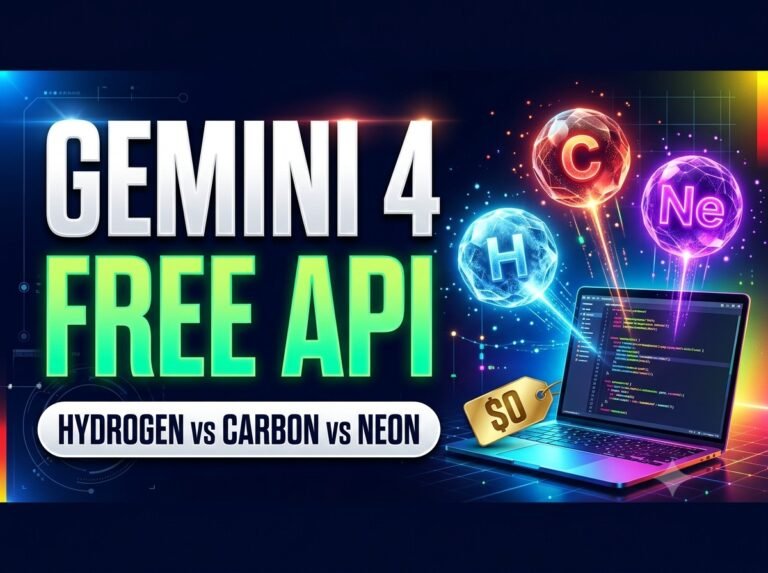

Google shipped four Gemini 4 models in about five weeks: Argon, Carbon, Hydrogen and Neon. That’s great for developers, but finding the Gemini 4 free API option is confusing. Which one can you use for free? Which one needs a paid key? And why does your free API key throw an error when you call Neon?
This guide answers all of that. If you’re looking for the Gemini 4 free API, the short version is below, followed by step-by-step code you can copy, and the legit ways to try the paid models without spending anything.
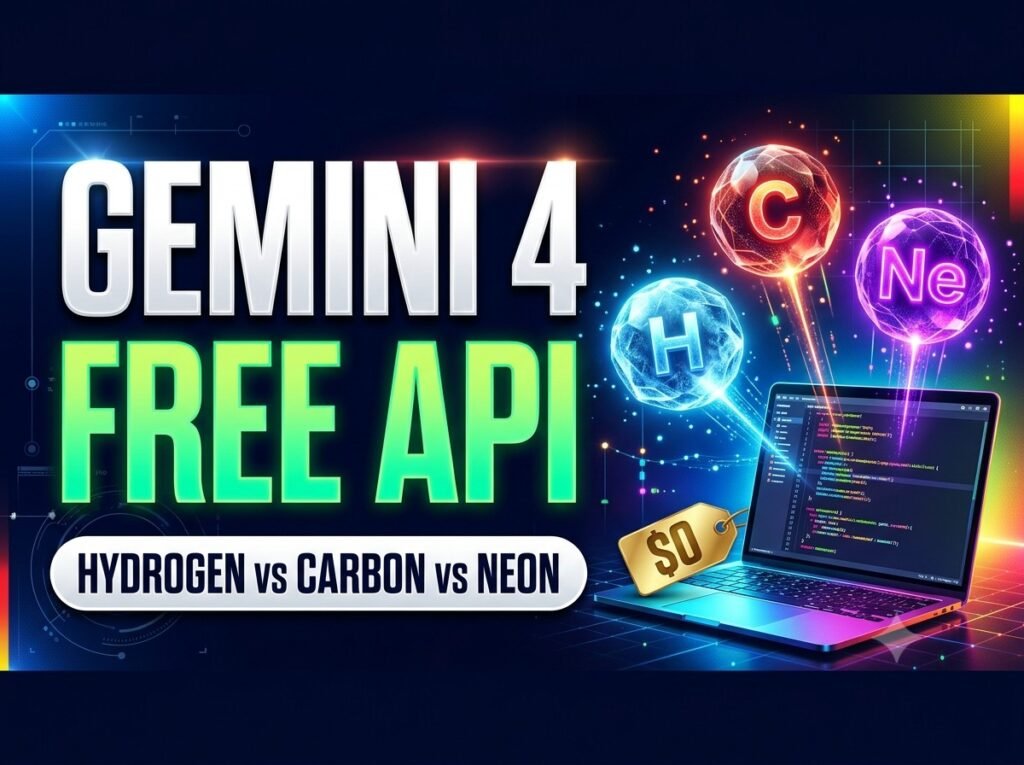
Quick answer: On the Gemini API, only Gemini 4 Hydrogen (gemini-4-hydrogen) has a free tier. Carbon, Argon and Neon are paid-only. You can still try them at $0 through a Google AI Pro free trial or a student offer, or build on free Hydrogen now and switch the model name later.
The Gemini 4 family at a glance
| Model | API model ID | Released | Free API tier? | Paid price (per 1M tokens, in / out) | Best for |
|---|---|---|---|---|---|
| Hydrogen | gemini-4-hydrogen | Nov 12, 2026 | Yes (rate-limited) | $1.50 / $7.50 | Everyday coding, agents, high-volume apps |
| Neon | gemini-4-neon | Nov 18, 2026 | No | $3 / $15 | Harder reasoning at a mid price |
| Carbon | gemini-4-carbon | Nov 10, 2026 | No | $2 / $10 until Nov 30, 2026, then $4 / $20 | The hardest problems; Google’s strongest Gemini 4 model |
| Argon | gemini-4-argon | Oct 13, 2026 | No | $2 / $10 until Nov 30, 2026, then $4 / $20 | The first Gemini 4 model, priced like Carbon |
Output prices include “thinking” tokens. A model that reasons longer costs more per answer, even at the same price per token. Prices change often, so check Google’s official Gemini API pricing page before you budget.
Which Gemini 4 model is free? (Gemini 4 free API explained)
Gemini 4 Hydrogen is the only Gemini 4 model on the free API tier. Google built it from Carbon as its fast, everyday model, and on the free tier its input, output and context caching are listed as free of charge, within rate limits.
The other three are paid-tier only. If you call gemini-4-neon or gemini-4-carbon with a free key, the request fails. That’s not a bug in your code; it’s the tier.
In the Gemini app, things work a little differently: free users may get Hydrogen when the app’s automatic model selection picks it, while the paid Google AI plans list the Gemini 4 models by name with higher limits.
How to use the Gemini 4 free API with Hydrogen (step by step)
- Go to Google AI Studio and sign in with your Google account.
- Click Get API key, then Create API key. Pick an existing Google Cloud project or create a new one. Don’t link a billing account if you want to stay on the free tier.
- Copy the key and save it as an environment variable called
GEMINI_API_KEY. Never put it in front-end JavaScript. - Call
gemini-4-hydrogenusing any of the examples below.
Never created a Gemini key before? Follow my screenshot guide: how to create your own Gemini API key.
Python
# pip install -U google-genai
import os
from google import genai

client = genai.Client(api_key=os.environ["GEMINI_API_KEY"])

response = client.models.generate_content(
    model="gemini-4-hydrogen",
    contents="Explain the difference between REST and GraphQL in 5 bullet points.",
)
print(response.text)
JavaScript (Node.js)
// npm i @google/genai
import { GoogleGenAI } from "@google/genai";

const ai = new GoogleGenAI({ apiKey: process.env.GEMINI_API_KEY });

const response = await ai.models.generateContent({
  model: "gemini-4-hydrogen",
  contents: "Write a React hook that debounces a search input.",
});
console.log(response.text);
cURL, with a thinking level
Gemini 4 models let you choose how much they think. Lower levels are faster and use fewer tokens, which matters on a rate-limited free key:
curl "https://generativelanguage.googleapis.com/v1beta/models/gemini-4-hydrogen:generateContent" \
  -H "x-goog-api-key: $GEMINI_API_KEY" \
  -H "Content-Type: application/json" \
  -d '{
    "contents": [{"parts": [{"text": "Summarize this bug report in one line: app crashes on login"}]}],
    "generationConfig": {"thinkingConfig": {"thinkingLevel": "medium"}}
  }'
Hydrogen thinks at high by default and goes up to xhigh. For simple tasks like summaries, classification or short answers, try low or medium to get faster replies and stay under your limits.
The catches of the Gemini 4 free API tier
- It’s rate-limited. You get a limited number of requests per minute and per day. Google doesn’t publish one fixed number for everyone; check your project’s limits on the rate limits page in AI Studio.
- Your data may be used to improve Google’s products. On the free tier, prompts and responses can be used to improve Google’s models. On the paid tier they aren’t. Don’t send customer data, passwords or private code through a free key.
- Thinking eats your quota. Hydrogen defaults to a high thinking level, so each request can use far more tokens than the visible answer. Lower the thinking level for simple jobs.
- Availability can depend on your country. If you see a “location not supported” error, the free tier may not be offered in your region.
If you hit 429 RESOURCE_EXHAUSTED, you’ve reached a rate limit. Wait and retry with exponential backoff. My Gemini free API key guide has a ready-made retry function.
3 legit ways to try Carbon and Neon for $0
1. Google AI Pro free trial
Google AI Pro costs $19.99 a month in the US and includes access to Gemini 4 Neon in the Gemini app, plus expanded limits in AI Studio. New users can usually start a free trial. It needs a payment method and auto-renews at the normal price unless you cancel, so set a reminder.
Since November 23, AI Pro also includes Gemini 4 Carbon inside Google Antigravity, Google’s AI coding IDE, which used to need the more expensive Ultra plan. If you code, this is the cheapest way to use Carbon. New to Antigravity? Start with my Google Antigravity guide.
2. Student offers
Google runs Google AI plans offers for university students, such as a free year of AI Pro in the US. The deal differs by country (in some regions it’s AI Plus free or Pro at a big discount). You need to be enrolled full-time at a recognized college and verify through SheerID, and school-issued Workspace for Education accounts don’t qualify. Check the current offer for your country on the Google One student page.
3. Build on free Hydrogen, switch the model later
All Gemini 4 models use the same request format. Build your whole app on free Hydrogen today, read the model name from an environment variable, and switch to Carbon or Neon with one setting when you’re ready to pay. No code changes needed:
import os
from google import genai

MODEL = os.getenv("GEMINI_MODEL", "gemini-4-hydrogen")  # set to gemini-4-neon on a paid key

client = genai.Client(api_key=os.environ["GEMINI_API_KEY"])
print(client.models.generate_content(model=MODEL, contents="Hello!").text)
Which Gemini 4 model should you use?
- Learning, side projects, prototypes, chatbots: Hydrogen on the free tier. It’s free and fast, and good enough for most everyday coding and agent tasks.
- Production app with real users: Hydrogen on the paid tier, so your data isn’t used for training and you get higher limits.
- Tricky reasoning on a budget: Neon, which is cheaper than Carbon and smarter than Hydrogen.
- The hardest problems: Carbon. Use it now if you can: the introductory $2 / $10 price ends on November 30, 2026, and the rate doubles from December 1.
Moving from Gemini 3.x? Here’s what changes
- Change your model string, for example
gemini-3.7-flashtogemini-4-hydrogen. - Update your SDK:
pip install -U google-genaiornpm i @google/genai@latest. - Re-test your prompts. Newer models often think more by default, which changes speed and token use. Set a thinking level on purpose instead of relying on the default.
- Check your monthly budget against the new prices before switching production traffic.
Still on Gemini 3.6 or 3.7 Flash? My Gemini 3.6 Flash guide covers those models and their free tier.
FAQ
Is the Gemini 4 API free?
Partly. Gemini 4 Hydrogen has a free, rate-limited API tier. Carbon, Argon and Neon are paid-only on the API.
What is the model ID for the free Gemini 4 model?gemini-4-hydrogen.
Why does my free API key fail with gemini-4-neon?
Neon isn’t on the free tier. Use gemini-4-hydrogen with a free key, or link a billing account to use Neon.
Is Gemini 4 Carbon free in Antigravity?
It isn’t free, but since November 23 it’s included with the Google AI Pro plan ($19.99 a month in the US), not just Ultra. A Pro free trial lets you try it at no cost.
Does Google train on my free-tier data?
Google’s pricing page marks free-tier content as used to improve its products, and paid-tier content as not used. Keep sensitive data on a paid key.
When does Gemini 4 Carbon get more expensive?
The introductory price of $2 input and $10 output per 1M tokens runs until November 30, 2026. From December 1 it’s $4 and $20.
Final thoughts
For most developers, the answer is simple: start with free Hydrogen, keep the model name in an environment variable, and only pay for Carbon or Neon when a real task needs more power. You get Gemini 4 today for $0, and upgrading later is a one-line change.
Looking for more free AI tools? See my list of the best AI tools for developers in 2026, or run a model fully offline with Inkling 2 Mini on your laptop.