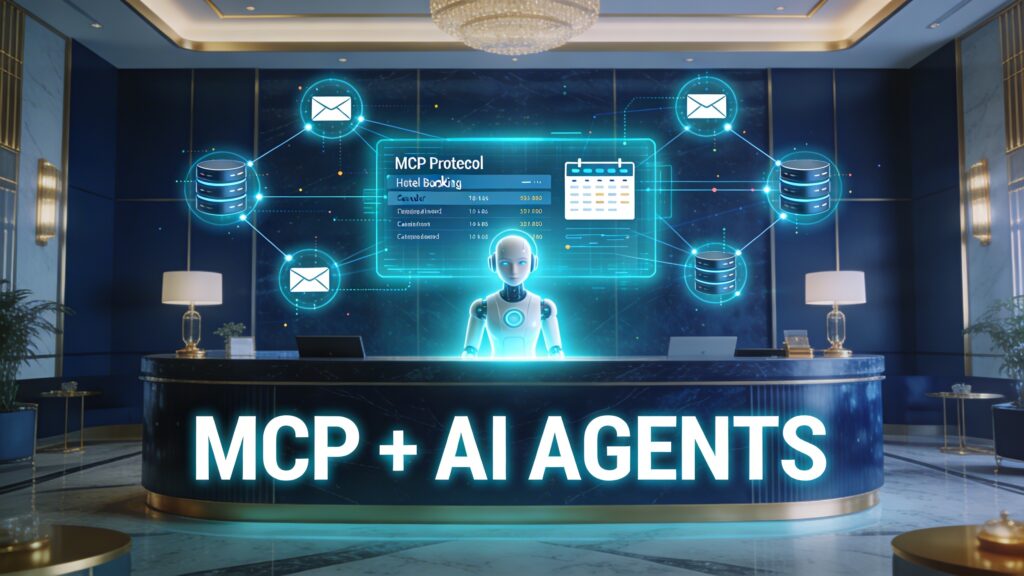

Learn how MCP (Model Context Protocol) Servers work and how they can enhance AI tools like GitHub Copilot by providing dynamic context, memory, and tool integration for smarter, more responsive applications.
🚀 Introduction: Why Context-Aware AI is the Future
AI models like ChatGPT, Claude, and GitHub Copilot have reshaped how we code, write, and build software. But what really makes these models feel intelligent and helpful?
The secret is context — and managing that context in real-time is what MCP Servers do.
In this blog post, you’ll learn:
- What an MCP Server is
- Why it’s important for intelligent apps
- How GitHub Copilot uses MCP-like behavior
- Where to find existing MCP servers
- How to build your own
🧠 What is an MCP Server?
MCP stands for Model Context Protocol.
An MCP Server is a backend service that provides context to large language models (LLMs) in real time.
This context includes:
- Who the user is
- What they’re working on
- What tools, APIs, or files are available
- What happened in the previous session
Think of it as the memory system and toolbox for AI models — without it, models operate blindly.
🔑 MCP = structured memory + tool awareness + personalization
🧩 GitHub Copilot: Real-World Example of MCP Principles
While GitHub Copilot doesn’t explicitly expose an MCP Server, its behavior is similar:
✅ It reads your code, comments, and file structure
✅ It sends that context to the AI model
✅ It gives predictions based on the entire developer environment
This is the essence of what an MCP Server does.
Imagine if you could build your own coding assistant like Copilot — but customized to your stack, company, or workflow. With MCP, you can.
🔧 What Can You Build With MCP Servers?
With an MCP Server, you can build:
- 🧑💻 AI coding tools that understand your tech stack
- 📁 Documentation bots that fetch only relevant files
- 📊 Smart dashboards that summarize your project status
- 💬 AI agents with memory, personality, and app integration
🛠️ How Does an MCP Server Work?
Here’s a simplified architecture:
| Component | Role in the Server |
|---|---|
| Context Store | Saves history, user profile, files |
| APIs/Adapters | Connect to tools like Git, S3, DBs |
| Injection Filter | Decides what to send to the model |
| Access Control | Limits context per user/session |
You can connect an MCP server to tools like:
- GitHub
- AWS S3 / Athena
- Google Calendar
- Stripe
- Filesystem
- Databases
- Web APIs
🌐 Explore Real MCP Servers (Official + Community)
| MCP Server | Description | Link |
|---|---|---|
| modelcontextprotocol/servers | Official MCP reference servers in Node, Python, etc. | GitHub Repo |
| Awesome MCP Servers | Curated open-source server list | GitHub List |
| Glama.ai | Search 6000+ MCP tools & servers | Directory |
| mcpservers.org | Browse & submit MCP servers | Site |
| Context7 | Injects live code/docs into prompts | Context7 Reddit |
| AWS MCP Servers | Real-time context from AWS | InfoQ Article |
| Windows AI Foundry | Native MCP discovery on Windows 11 | The Verge |
🧪 Try It Yourself: Build a Simple MCP Server
Want to experiment? Start with:
git clone https://github.com/modelcontextprotocol/servers.git
cd servers/examples/filesystem
npm install && npm start
You’ll get a running MCP Server that connects a model to your local file system. From there, you can integrate tools, APIs, or memory modules.
🏁 Final Thoughts: MCP is the Backbone of Modern AI
Large Language Models are powerful — but they’re just generic brains without context.
MCP Servers give models:
- A sense of memory
- Task awareness
- Access to tools and APIs
Whether you’re building a custom coding assistant, an AI business analyst, or a context-aware chatbot, MCP is the protocol that bridges the gap between models and real-world intelligence.